Arch post-install notes
Some of my notes on Arch Linux.
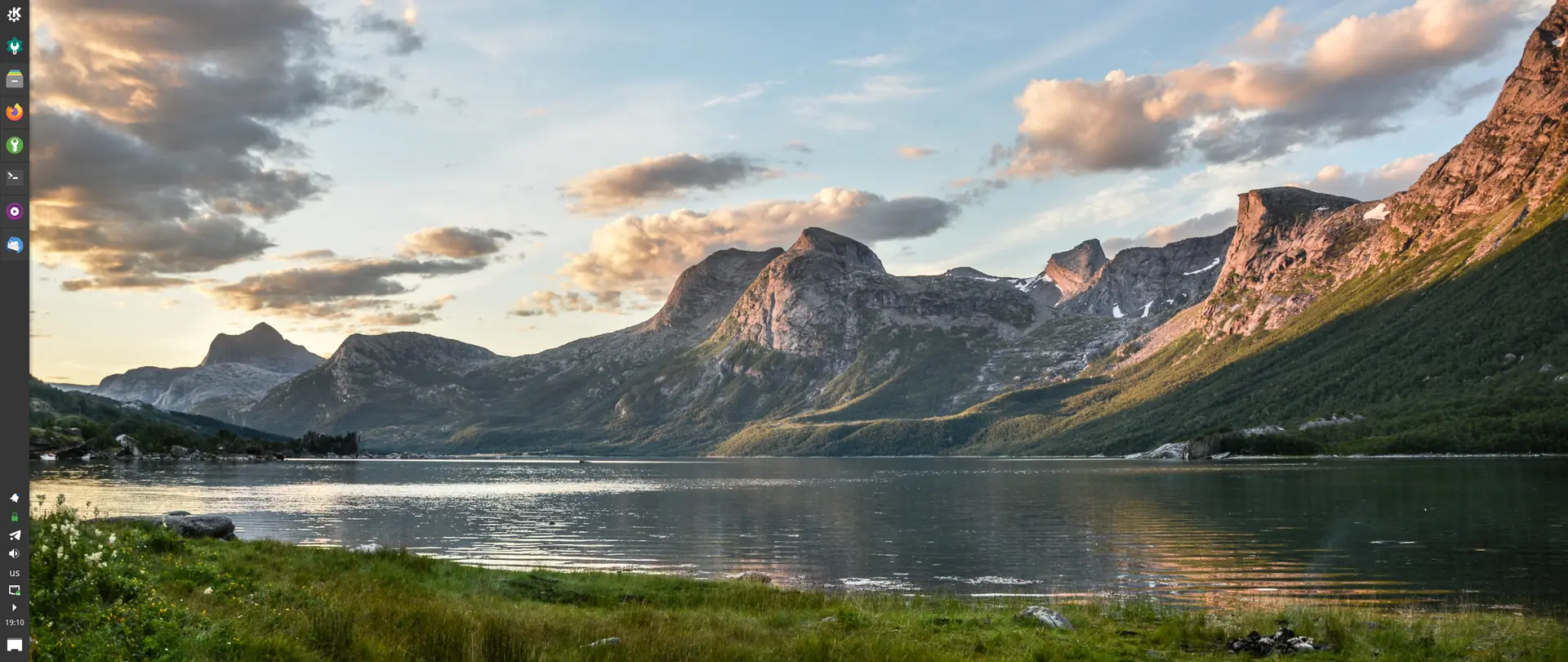
Installing KDE
The conventional way to install it is to use either the kde-applications package group or the kde-applications-meta meta-package. My problem with this approach is that they include a lot of apps most people won't need (PIM, Kontact, games, etc.). So I usually install the plasma package group first:
pacman -S plasmaThen I install only a small subset of KDE applications:
pacman -S ark filelight kate kcalc kdialog konsole \
          print-manager dolphin gwenview spectacle \
          okular
I also recommend installing these optional dependencies:
pacman -S unrar p7zip kde-cli-tools ffmpegthumbs \
          kdegraphics-thumbnailers --asdeps
Subpixel rendering and the LCD filter
Subpixel rendering is enabled by default since FreeType 2.10.3.
If letters appear to have a rainbow tint around them (especially in GTK applications), it makes sense to enable the LCD filter. Edit the file /etc/fonts/local.conf (or create it if it doesn't exist):
<match target="font">
  <edit name="lcdfilter" mode="assign">
    <const>lcddefault</const>
  </edit>
</match>
Read more on the ArchWiki: Subpixel rendering.
Installing Wine
This section is only relevant if you want to run Windows programs or games.
First, enable the multilib repository, as described in this article.
Install Wine:
pacman -S wine-stagingThen install all of its optional dependencies:
pacman -S giflib lib32-giflib libpng lib32-libpng libldap \
  lib32-libldap gnutls lib32-gnutls mpg123 lib32-mpg123 openal \
  lib32-openal v4l-utils lib32-v4l-utils libpulse lib32-libpulse \
  alsa-plugins lib32-alsa-plugins alsa-lib lib32-alsa-lib libjpeg-turbo \
  lib32-libjpeg-turbo libxcomposite lib32-libxcomposite libxinerama \
  lib32-libxinerama ncurses lib32-ncurses opencl-icd-loader \
  lib32-opencl-icd-loader libxslt lib32-libxslt libva lib32-libva \
  gtk3 lib32-gtk3 gst-plugins-base-libs lib32-gst-plugins-base-libs \
  vulkan-icd-loader lib32-vulkan-icd-loader
If you're using DXVK, VKD3D, or anything else Vulkan-related, make sure you have the latest GPU drivers and Vulkan drivers installed. See this page for more information on which packages you need for your GPU vendor.
See also: How to get out of Wine Dependency Hell.
Wallpapers
Arch actually has some nice wallpapers in its official repositories!
pacman -S archlinux-wallpaper